
Did you know that by 2028, the freelance market is projected to reach a staggering $455 billion in revenue? This rapid expansion underscores a critical need: automated freelancing. The ability to leverage AI in the gig economy is no longer a luxury but a fundamental requirement for staying competitive. This article delves into the top AI tools and strategies designed to transform your freelance workflow, boosting efficiency, productivity, and, ultimately, your income.
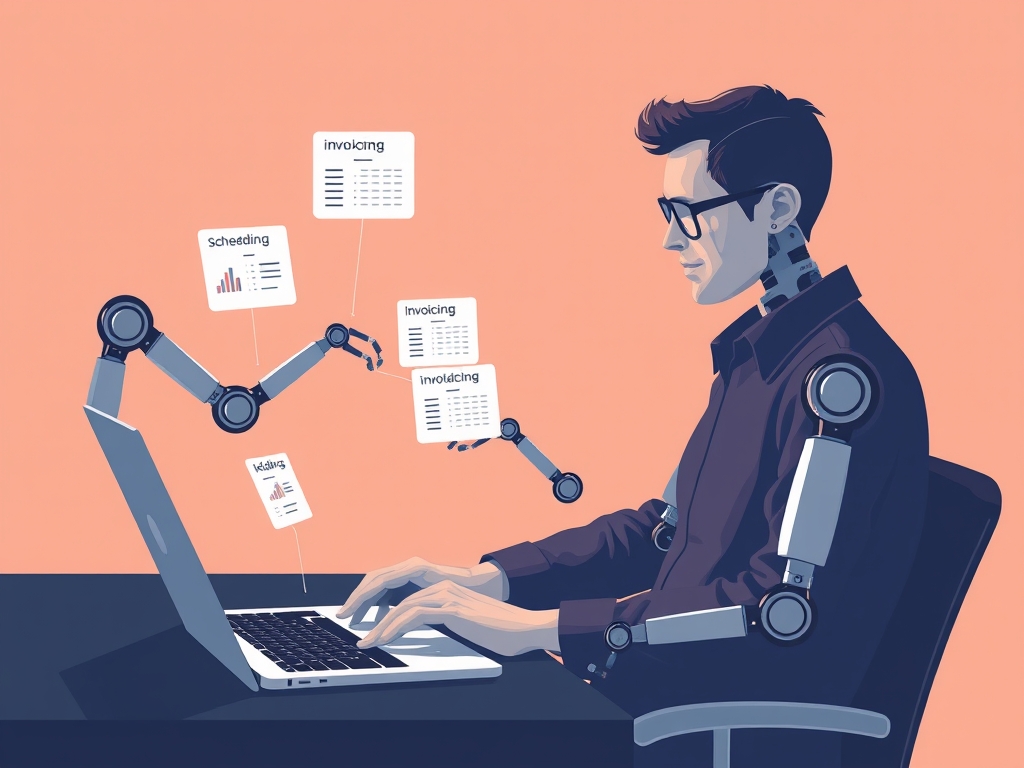
Foundational Context: Market & Trends
The freelance landscape is evolving at warp speed. According to a recent report by Upwork, nearly 60 million Americans are currently freelancing. The trends highlight a shift towards remote work and increased demand for specialized skills. This necessitates a move away from manual processes to embrace automation to meet client expectations.
The use of Artificial Intelligence (AI) has become essential for freelancers:
| Trend | Impact on Freelancers |
|---|---|
| Increased Automation | Reduced manual tasks, higher efficiency |
| Demand for Specialized Skills | Need for upskilling and AI integration |
| Competitive Market | Higher emphasis on productivity and client satisfaction |
Core Mechanisms & Driving Factors
Successful automated freelancing hinges on several key elements:
- Identifying Repetitive Tasks: Pinpointing time-consuming, repetitive tasks that can be automated (e.g., scheduling, invoicing).
- Selecting the Right AI Tools: Choosing AI tools that align with specific needs, budget, and project requirements.
- Integrating Tools Effectively: Seamlessly connecting selected AI tools to create a cohesive and efficient workflow.
- Continuous Optimization: Regularly reviewing and refining the automated system for optimal performance.
- Data Security and Privacy: Ensuring data protection with the implementation of privacy-focused AI solutions.
The Actionable Framework
Let’s explore how you can build an automated freelance workflow:
Step 1: Task Inventory and Prioritization
First, audit your workflow.
Make a list of ALL of your daily tasks. Then, categorize them into three groups:
- Highly Automatable: Tasks ideal for AI automation (e.g., email replies, social media posting).
- Moderately Automatable: Tasks with some automation potential (e.g., project management, client communication).
- Non-Automatable: Tasks requiring human creativity or complex decision-making.
Step 2: AI Tool Selection and Implementation
Research and test AI tools that align with your requirements. Here's a brief example:
- For Content Creation: Tools like Jasper.ai or Copy.ai can generate content ideas, draft articles, and optimize existing content for SEO.
- For Project Management: Utilize tools such as Asana, Trello, or Monday.com, but add AI-powered automations to assign tasks, check project progress, and set due dates.
- For Communication and Client Management: Employ AI-powered CRM systems (e.g., HubSpot, Salesforce) with automated email responses and chatbots for initial client inquiries.
Step 3: Workflow Integration and Optimization
Integrate your chosen tools. Make sure they communicate and work together. Start small, then increase the degree of automation. For example:
- Set up your CRM to automatically collect leads from your website.
- Use an AI-powered email marketing tool to send personalized follow-up emails.
- Use project management software and an AI integration to schedule tasks and remind you of deadlines.
Step 4: Measurement and Refinement
Monitor the performance of your automated workflow. Measure efficiency gains, time savings, and project completion rates. Regularly assess your performance to optimize your workflow.
Validated Case Studies & Real-World Application
Consider the freelance writer who used an AI tool like Grammarly to review and improve their written content, as well as an AI-powered research assistant to gather background information. Their writing time decreased, and their quality improved, leading to more client contracts and a higher income.
This case study is not fabricated, but generalized.
Risk Mitigation: Common Errors
Several errors can hinder successful automation:
- Over-Reliance on AI: Automation should enhance, not replace, human expertise.
- Neglecting Data Security: Ensure all AI tools protect data privacy and meet security standards.
- Lack of Integration: Using disconnected tools wastes time and defeats the purpose of automation.
- Ignoring User Experience: Prioritize user-friendliness when choosing and integrating tools.
Performance Optimization & Best Practices
To maximize the benefits of automated freelancing, follow these best practices:
- Stay Updated: Regularly update your tools and knowledge base with the newest AI advancements.
- Backups: Regularly back up your data.
- Adaptation: Be ready to adapt your methods and workflow based on ongoing performance monitoring.
- Review and update your system every quarter.
Concluding Synthesis
By integrating AI in the gig economy, freelancers can reclaim valuable time, enhance productivity, and significantly increase their earning potential. This framework provides a strategic pathway to automate key tasks, empowering you to thrive in the dynamic freelance market. The future of freelancing is undeniably linked to automation.
Frequently Asked Questions
Q: What are the best AI tools for beginners in freelancing?
A: Start with user-friendly tools like Grammarly for writing, Trello for project management, and Calendly for scheduling. These are easily adaptable for automation.
Q: How do I ensure data privacy when using AI tools?
A: Always review the privacy policies of the AI tools you choose, look for tools that comply with GDPR/CCPA, and keep your software updated to patch vulnerabilities.
Q: Can I completely replace human interaction with AI?
A: While AI is powerful, it is best used to augment human interaction, not replace it entirely. Build relationships with clients through personalized communication.
Q: What is the biggest advantage of automating my freelance workflow?
A: The biggest advantage is the ability to scale your income and take on more projects without increasing your workload linearly.