
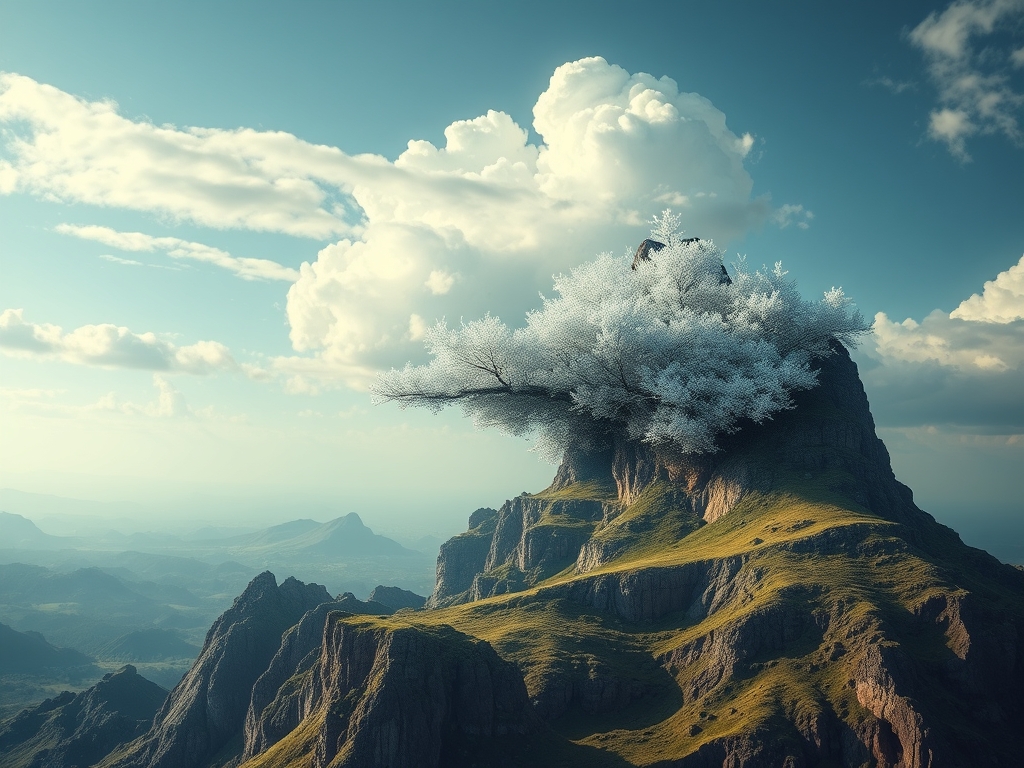
The explosion of AI image generators has created a new frontier for creativity. Did you know that the quality of an AI-generated image depends on the specificity of your prompt? Welcome to the realm of AI Image Prompts, a place where precision reigns supreme.
Foundational Context: Market & Trends
The market for AI art generation tools is experiencing exponential growth. A recent report by Statista projects that the global AI art market will reach $1.3 billion by 2028, reflecting a compound annual growth rate (CAGR) of over 20%. This growth is fueled by increasing accessibility and improving image quality, leading to its adoption across diverse sectors, from marketing and design to education and personal creativity.
| Feature | AI Image Generators | Traditional Graphics |
|---|---|---|
| Creation Time | Seconds | Hours |
| Cost | Free to Paid | Paid |
| Creativity Barrier | Low | High |
| Image Quality | Improving Rapidly | High |
Core Mechanisms & Driving Factors
To master AI image prompts, understanding the essential elements is crucial. These are the driving forces behind amazing AI art:
- Specificity: The more detailed your prompt, the better.
- Keywords: Utilize relevant keywords and phrases to describe the scene, style, and mood.
- Style References: Specify artistic styles (e.g., "Van Gogh," "photorealistic")
- Negative Prompts: Use negative prompts to eliminate unwanted elements.
The Actionable Framework
Here's a step-by-step guide to crafting ultra-specific AI image prompts:
Step 1: Define Your Objective
Before you type a single word, know exactly what you want. What is the subject? What is its setting? What mood or atmosphere do you want to convey? This defines the baseline for the entire process.
Step 2: Assemble Keywords and Phrases
Begin with the subject and then add detail. Describe the scene, lighting, colors, and any specific characteristics. Think about how a film director would explain the scene to a cinematographer.
Step 3: Specify Style, Artist, and Medium
This is where you infuse artistic flair. Do you desire a photorealistic image? A watercolor painting? Include the name of a specific artist to inspire the image generator.
Step 4: Include Negative Prompts
Negative prompts are equally important. They tell the AI what not to include in the image.
Example: A futuristic cityscape, neon lights, cyberpunk aesthetic, detailed, cinematic. Negative prompt: blurry, deformed hands, low quality.
Step 5: Test and Refine
Experiment! Start with a prompt, see what the generator produces, and then adjust the prompt based on the results. Iteration is your greatest tool.
Analytical Deep Dive
A key factor in understanding AI prompts is the impact of prompt length. Studies have shown that longer, more detailed prompts correlate to improved image quality. The specific word choice also impacts image quality.
Strategic Alternatives & Adaptations
For Beginners: Keep it simple. Focus on the subject and a single descriptive element (e.g., "A red rose, photorealistic").
For Intermediate Users: Experiment with artist styles and detailed scene descriptions.
For Experts: Dive into advanced techniques like prompt weighting and iterative prompting.
Validated Case Studies & Real-World Application
Consider the marketing department of a hypothetical tech startup. They need an eye-catching visual for their website. By using ultra-specific prompts, they create a unique, branded graphic in minutes, saving time and money compared to traditional design methods.
Risk Mitigation: Common Errors
A frequently made error is using overly generic prompts. Don't simply write "cat." Instead, specify breed, color, pose, setting, and style.
Performance Optimization & Best Practices
To get the best results:
- Experiment with different AI image generators. Each has its strengths.
- Use online resources such as the AI prompt directories to get inspiration.
- Fine-tune your prompt based on the specific AI model you are using.
- Save your successful prompts for future use.
Conclusion
Mastering AI image prompts is an evolving skill. Embrace the power of specificity, and unlock a world of creative possibilities. By following these steps and continuing to refine your approach, you can create stunning visuals that bring your vision to life.
Knowledge Enhancement FAQs
Q: What is a negative prompt, and why is it important?
A: A negative prompt tells the AI what not to include in the generated image. It’s crucial for controlling the final output and eliminating unwanted elements.
Q: Do I need to know how to code to use AI image generators?
A: No, you don't. Most AI image generators have user-friendly interfaces, requiring only text prompts.
Q: How can I find inspiration for prompts?
A: Explore online galleries of AI art and prompt databases. Pay close attention to what elements are included and the artist’s prompt style.
Q: Does the AI image generator matter?
A: Yes! Each generator has its strengths and weaknesses. Test different ones to understand their unique styles and capabilities.
Scalability & Longevity Strategy
To keep your AI prompting skills relevant:
- Stay informed of the latest advancements in AI image generation.
- Continuously experiment with new features and techniques.
- Build a library of successful prompts to serve as a reference.
Call to Action: Ready to transform your creative vision? Start crafting your ultra-specific prompts now! Experiment with the AI tools and unlock your creative potential. Discover more about our AI-powered design tools.